

The Financial Impact of Equipment Downtime
Unplanned downtime costs industrial manufacturers billions each year. This isn't just about a machine stopping. It's a cascade of consequences: lost production quotas, idle teams waiting for instructions, and penalties for delayed shipments. The raw materials sitting in a stalled machine can even become waste. For years, the response has been clipboards and spreadsheets, but these tools are slow and often filled with yesterday's news. By the time a manager reviews a paper log, the window for an effective response has already closed.
This lag between an event on the factory floor and the data reaching decision-makers is where most efficiency is lost. Effective equipment downtime tracking requires information that is immediate, accurate, and delivered directly from the source of the problem. While upgrading systems involves financial investment, many businesses explore options like small business loans for equipment to fund these critical improvements, recognizing the long-term returns of operational resilience.
Bridging Physical Assets and Digital Systems

QR codes serve as a simple, effective bridge between a physical machine on the factory floor and its digital counterpart in your systems. Imagine a technician scanning a code with a standard smartphone and instantly pulling up maintenance histories, schematics, or safety protocols. This eliminates the need for specialized hardware or time spent searching through binders for the right manual. This immediate access to information is one of the most practical industrial QR code applications available today.
However, not all QR codes are created equal. The distinction between static and dynamic codes is critical for any tracking initiative.
- Static QR Codes: These contain fixed information, like a website link or a serial number. They are useful for permanent asset identification but offer no flexibility or tracking capabilities once printed.
- Dynamic QR Codes: The destination of these codes can be updated at any time without reprinting the physical label. More importantly, every scan is tracked, providing valuable data on when, where, and how often a machine is being accessed.
For effective downtime tracking, dynamic codes are essential. They ensure that technicians always have the most current information and that every interaction is logged, reducing the human error that comes with manual data entry. To see how this technology functions in practice, you can explore how our platform works to connect assets to data.
Implementing a QR Code Tracking System
Putting a QR code system into practice is a methodical process, not a complex overhaul. It begins with clear goals and builds toward a fully integrated workflow that your team can adopt with confidence. A platform offering a range of our adaptable solutions can be configured to meet these specific implementation needs.
Define Your Data Requirements
Before creating a single QR code, decide what you need to know. What information should a technician see after a scan, such as an asset ID or a link to a PDF manual? And what data do you need to capture? This could include predefined error types, technician notes, or photos of the issue. Focusing on data that directly accelerates repairs is the goal.
Deploy Durable, High-Contrast QR Codes
The factory floor is a demanding environment. Your QR codes must be able to withstand it. Choose durable materials resistant to grease, chemicals, and abrasion. Placement is also key. Codes should be located in easily accessible spots that do not require awkward movements to scan. A high-contrast design ensures readability even in low-light conditions or from a distance.
Integrate with Your CMMS
The true power of this system is unlocked through integration. Your QR code platform should connect with your Computerised Maintenance Management System (CMMS) via an API. This CMMS QR code integration allows a scan to automatically create a work order, update an asset’s status, or log maintenance activity without manual entry. This automation ensures your central system is always up to date.
Develop Protocols and Train Your Team
Technology is only effective if people use it. Develop clear Standard Operating Procedures (SOPs) for how and when to scan codes. Training should focus on simple, repeatable actions that feel like a natural part of the workflow. When the process is easier than the old way of doing things, adoption follows naturally.
| Step | Key Action | Critical Consideration |
|---|---|---|
| 1. Data Definition | Identify essential data points for access and capture. | Focus on data that directly impacts repair time and analysis. |
| 2. QR Code Deployment | Select durable label materials and place codes for easy access. | Ensure codes are high-contrast and can withstand the environment. |
| 3. System Integration | Connect the QR platform to the CMMS via API. | Confirm that scans can trigger automated work orders and logs. |
| 4. Team Training | Create clear SOPs and train all relevant personnel. | Focus on simple, repeatable workflows to ensure high adoption. |
Automating Maintenance with Advanced Workflows
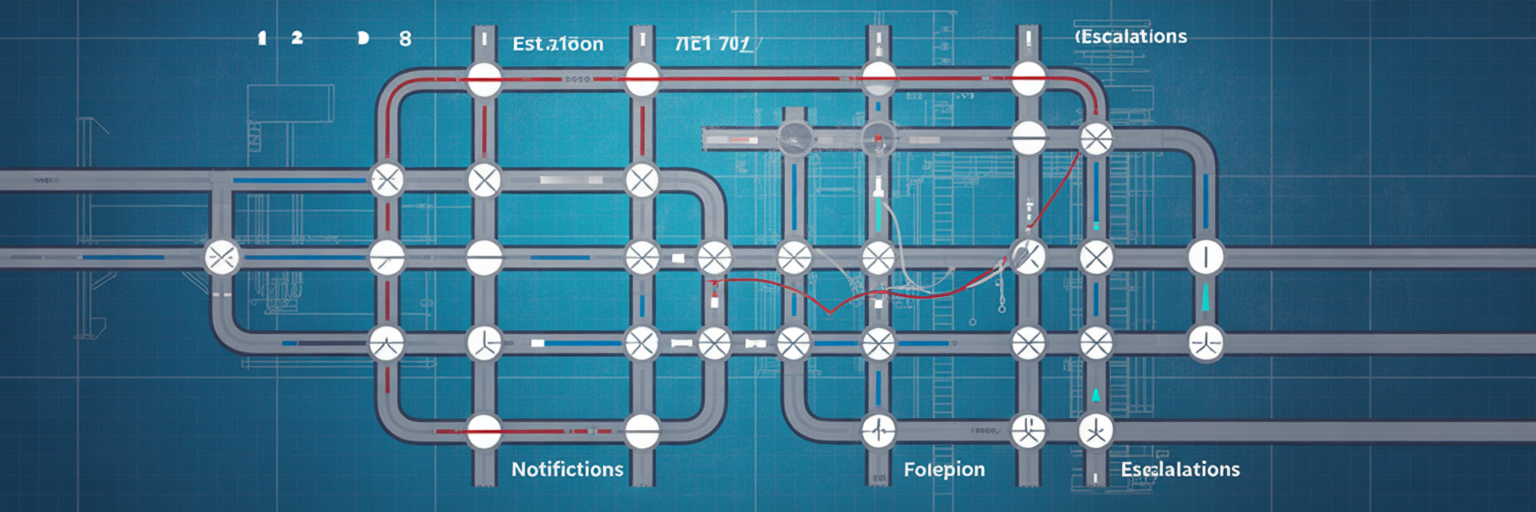
Simply linking a QR code to a manual is just the beginning. The real transformation comes from the automated workflows that a scan can trigger. These post-scan actions turn a simple data-lookup tool into an intelligent operational system that helps reduce manufacturing downtime proactively.
- Standardized Data Collection: Instead of a technician typing free-form notes, a scan can launch a dynamic form on their device. This form can prompt for specific inputs, such as selecting an error code from a predefined list, uploading photo evidence of the damage, or confirming safety checks. This ensures every report is consistent and complete.
- Automated Alerts and Escalations: A workflow can be configured to react based on the data entered. For example, if a technician reports a "critical failure," the system can automatically send an SMS alert to the maintenance supervisor and an email to the operations manager. This ensures the right people are notified instantly, without anyone having to make a phone call.
- Creation of a Digital Service Log: Every scan, whether it is to report an issue, start a repair, or complete a job, is automatically timestamped and logged against the asset's record. Over time, this builds a perfectly accurate, real-time maintenance history for every piece of equipment, providing invaluable data for performance analysis.
- Inventory Management Integration: Advanced workflows can even connect to your inventory systems. If a scan indicates a specific part has failed, the system could automatically check internal stock levels or generate a purchase order request. These advanced tracking features are central to modern maintenance.
Key Features of an Enterprise-Grade QR Platform
When selecting a platform for your manufacturing operations, certain features are non-negotiable. An enterprise-grade system is built not just for today's needs but for future growth and complexity. It should provide a foundation for reliable and secure operations.
- Scalability: The platform must handle an unlimited number of QR codes for manufacturing and scans across multiple facilities without any drop in performance. As your operations grow, your system should grow with you seamlessly.
- Customization: No two industrial processes are identical. A valuable platform allows for custom post-scan workflows, data collection forms, and business logic tailored to your specific operational needs.
- Security and Access Control: It is vital to manage who can see and do what. Look for platforms with role-based permissions that allow you to define access for technicians, supervisors, and managers. You can learn more about our commitment to platform security and trust.
- Centralized Analytics Dashboard: All the data you collect is only useful if you can analyze it. The platform should aggregate scan data into an intuitive dashboard, offering clear insights into downtime trends, equipment performance, and team efficiency.
Measuring Success and Driving Continuous Improvement
Implementing a QR code system is not just about fixing machines faster. It is about gathering the data needed to prevent them from breaking in the first place. The accurate, real-time information collected from each scan allows you to measure and improve key performance indicators (KPIs) like Mean Time To Repair (MTTR) and Mean Time Between Failures (MTBF).
By analyzing this data, you can spot trends, identify recurring issues with specific machines, and shift from a reactive repair model to a proactive, preventive maintenance schedule. You start addressing problems before they lead to costly failures. This transition from reacting to problems to anticipating them is a foundational step in the digital transformation of the factory floor. It fosters a culture of data-driven decision-making, where every scan contributes to a smarter, more resilient operation. Exploring a platform's full feature list can be the next step for those ready to build this capability.